Custom Point of Sale (POS) System Development
Designing a highly versatile Point of Sale system to maximize revenue, optimize operations and enhance the customer experience — for single stores and multi-outlet chains.
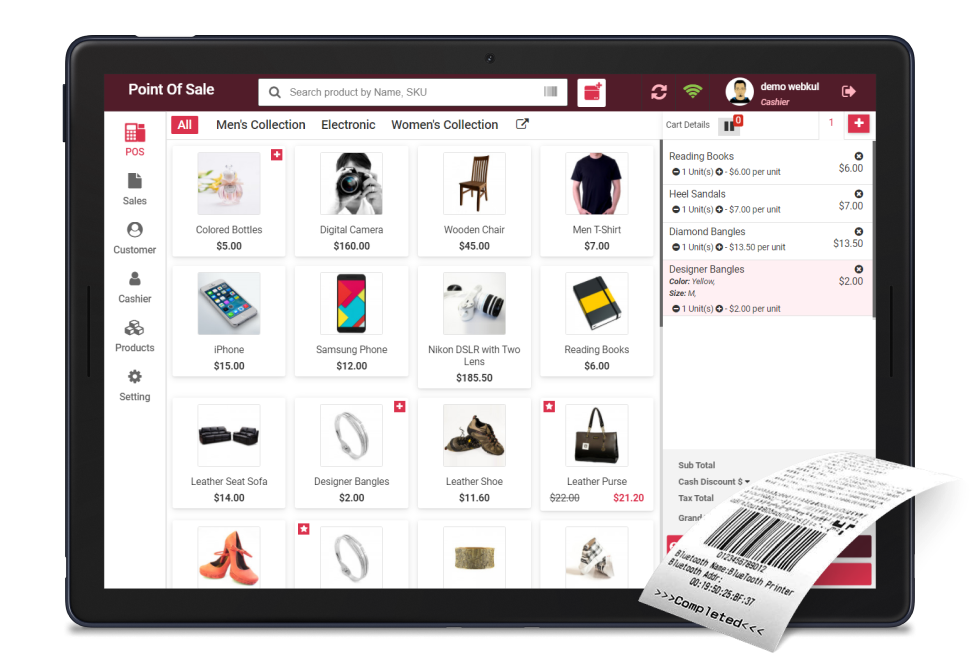
Why Your Business Needs a POS System
Explore the advantages of implementing a Point of Sale system in a retail business — from faster checkouts to smarter inventory.

Payment Modes
POS systems offer easy and organized payment processing functionalities — cash, cards and digital wallets.

Product Inventory Management
The administrator has the ability to allocate inventory to outlets according to their sources.

Customer Management
Sales associates can effortlessly register customers into the POS system and select them during checkout.

Better Sales Tracking
Track every sale as it happens and see your best-selling products at a glance.

Staff Actions
Sales representatives can conveniently input customer details into the POS and choose them during checkout.

Reduces Mistakes
Point of Sale systems aid in minimizing errors that often occur during manual updates.
Traditional Isolated POS vs Omni-Channel POS in the Cloud
Traditional Isolated POS
A standalone till system living in one store. Data is siloed, stock counts are manual, and every outlet needs separate hardware, licences and updates.
Omni-Channel POS in the Cloud
Every outlet, warehouse and sales channel shares one live inventory, one product catalogue and one reporting dashboard — updated in real time.

Cost Friendly
The Omnichannel POS system enables efficient management of all stores without the need for additional investments.

Functions Across Devices
POS should be device-agnostic, functioning seamlessly on all devices.

Excellent Accessibility
Consistent POS data across all platforms.

Works in Remote Conditions
Operates effectively in remote environments and subsequently synchronizes data with a central system.

Real-Time Information
Omnichannel facilitates the synchronization of data from all channels and offers real-time information as required.

Easily Expandable
The Omnichannel feature of the POS system assists in scaling the business according to the owner's vision.
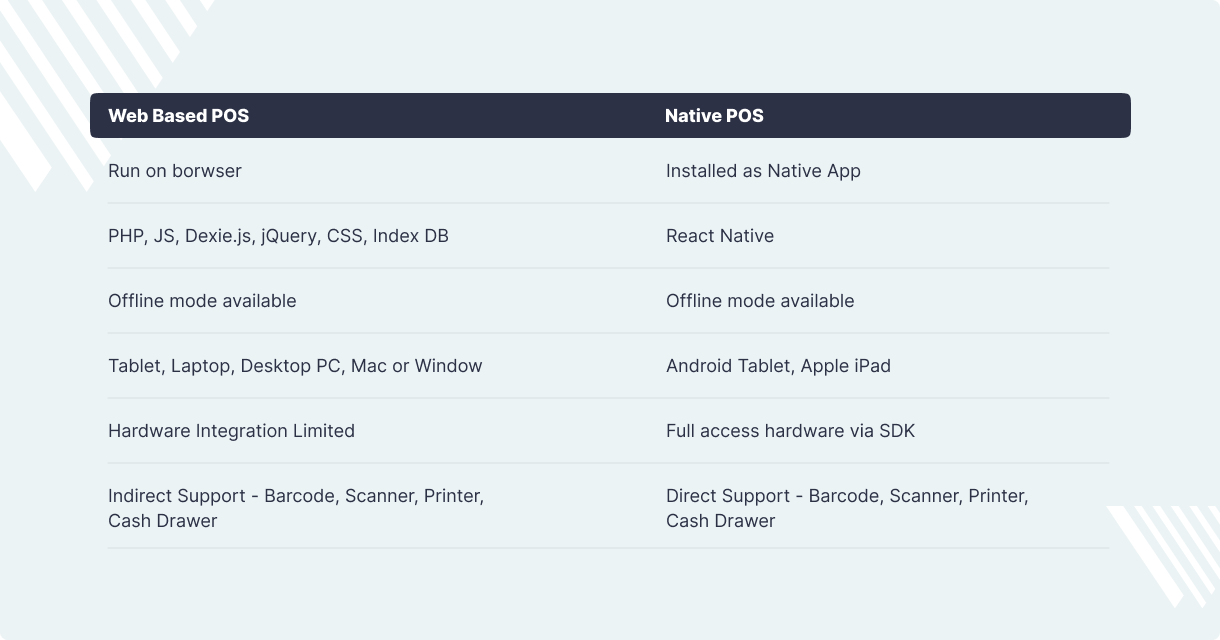
Web-Based POS or Native POS?
Web-Based POS runs in the browser (PHP, JS, IndexedDB) on tablets, laptops and desktops — with offline mode available and indirect hardware support for barcode, scanner, printer and cash drawer.
Native POS installs as an app (React Native) on Android tablets and iPads — with offline mode and full hardware access via SDK, giving you direct device integration.
Where Can POS Be Applied?
Retail chains, supermarkets, restaurants and cafés, pharmacies, salons, food trucks and pop-up stores — anywhere you sell, POS keeps inventory, staff and sales in sync.
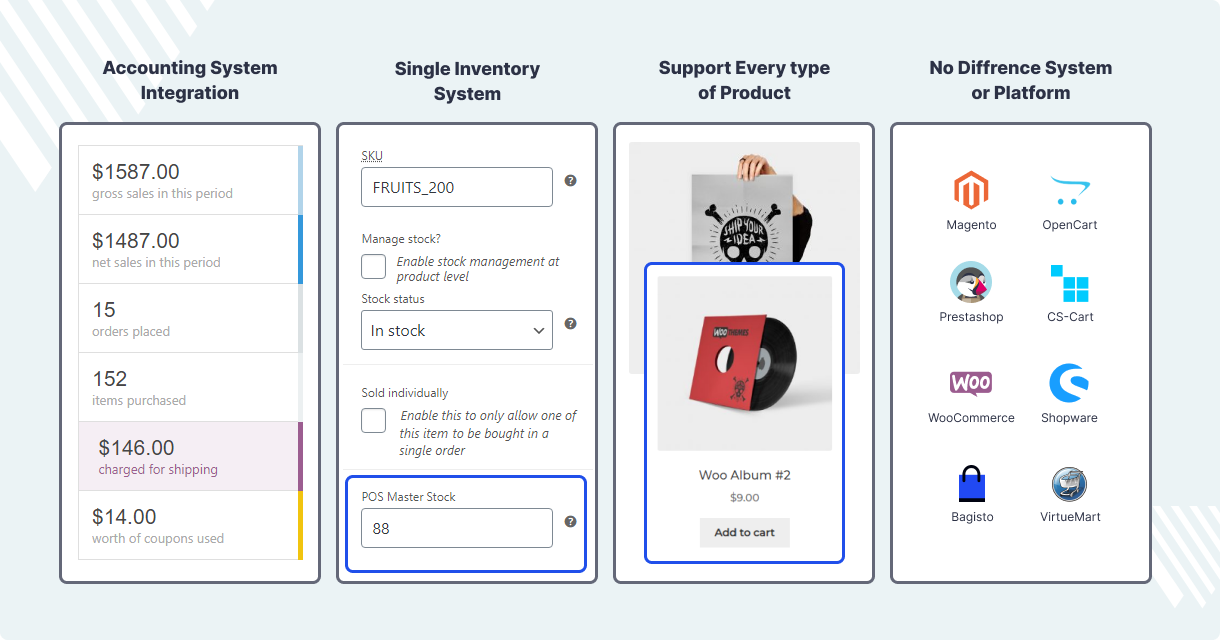
With accounting system integration, a single inventory system, support for every type of product and no difference between systems or platforms, your POS works the same everywhere you do business.
POS Devices We Support
Your POS connects to the hardware you already use — and we help you choose the right setup for your store.

Display Device
Use customer-facing displays to show order details and totals during checkout.

Web Browser
Compatible with all major web browsers — Chrome, Firefox, Safari and Opera.
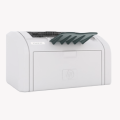
Barcode Label Printer
Create personalized barcode labels and affix them to your merchandise.
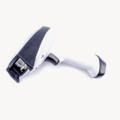
Barcode Scanner
Utilize a Bluetooth-enabled or USB-connected barcode scanner to scan barcodes and keep inventory up to date.
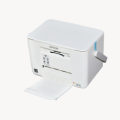
Receipt Printer
Link your thermal printers through the RJ11/RJ12 port, USB or alternative connections to print tailor-made sales receipts.
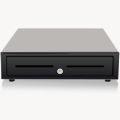
Cash Drawer
Operate the cash drawer or cash register — opening and closing it after linking to your receipt printer.